 Inviteroll
Save the Date Wording: 20 Examples, Etiquette and Timeline Guide
When to send it, what to write, and ready-made wording examples for every wedding style
Updated November 3, 2026 · 5 min read
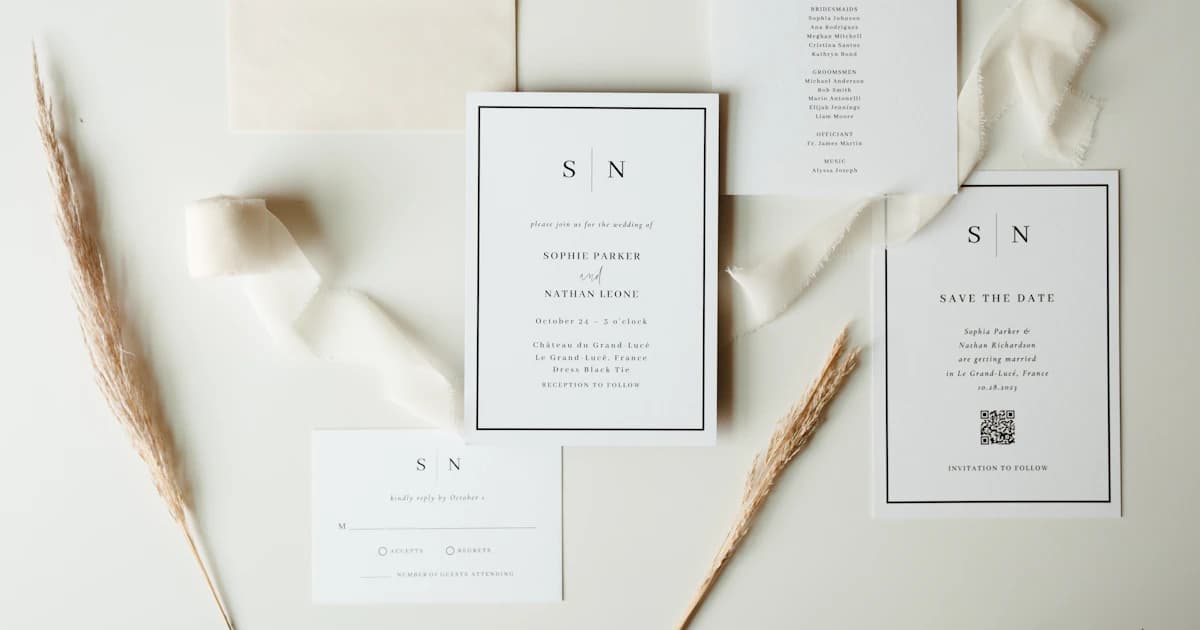
Short answer: a Save the Date announces your wedding date and general location so guests can clear their calendars before the formal invitation arrives. It includes the couple's names, the wedding date, the city or destination, and a line saying 'Formal invitation to follow'. Send it six to eight months before a local wedding, and nine to twelve months ahead for a destination wedding.
Unlike a formal invitation, a Save the Date does not require meal choices, exact venue addresses, or final RSVPs. Below you will find ready-to-copy wording examples for formal, casual, destination, and digital Save the Dates, plus timeline rules and etiquette tips.
When to send your Save the Date
Timing is everything when securing your guests' attendance. You want to give friends and family enough advance notice to request time off work, book flights, or arrange childcare — without sending it so early that it gets forgotten.
Here are the standard timeline guidelines recommended by wedding planners:
- **Local weddings:** 6 to 8 months before the wedding day.
- **Destination weddings:** 9 to 12 months ahead, allowing guests to budget and track travel deals.
- **Holiday weekends (New Year's, Memorial Day, Labor Day):** 8 to 12 months ahead, as holiday calendars fill up quickly.
- **Formal invitation delivery:** Follow up with your formal invitation 6 to 8 weeks before the wedding.
What to include (and what to leave off)
A Save the Date is a heads-up, not a logistical manual. Keep the card clean and focused on the vital date so there is zero confusion.
- **Include:** The couple's names (first names or full names depending on formality).
- **Include:** The date (day, month, year).
- **Include:** The city and state/country (exact venue is optional if still being finalized).
- **Include:** 'Formal invitation to follow' so guests know more details are coming.
- **Leave off:** Gift registry details (considered poor etiquette on early notices).
- **Leave off:** Exact ceremony start times and reception schedules.
Formal Save the Date wording examples
Traditional and elegant phrasing works beautifully for ballroom receptions, black-tie affairs, and classic celebrations.
Save the Date for the wedding of Emily Rose Hale and Daniel James Carter Saturday, the twelfth of June two thousand twenty-seven Boston, Massachusetts Formal invitation to follow
Please Save the Date to celebrate the marriage of Emily Hale & Daniel Carter June 12, 2027 Chicago, Illinois Formal invitation to follow
Save the Date Emily & Daniel are tying the knot 12 · 06 · 2027 Napa Valley, California Invitation and details to follow
Modern and casual Save the Date wording
If your celebration is relaxed, intimate, or outdoor, let your personality shine with fresh, warm wording.
Save the Date! Emily and Daniel are getting married 06.12.2027 Austin, Texas We can't wait to celebrate with you!
Mark your calendar! Emily & Daniel are making it official June 12, 2027 · Seattle, WA Get your dancing shoes ready. Invitation to follow
Two lives, one date. Please save the date for Emily & Daniel June 12, 2027 Charleston, South Carolina Formal invitation to follow
Destination wedding Save the Date wording
For weddings that require travel and hotel stays, mention the location clearly and encourage guests to keep their passports ready.
Pack your bags! Emily & Daniel are getting married June 12, 2027 Tulum, Mexico Save the date for a weekend of celebration Travel details and formal invitation to follow
Save the Date Join Emily & Daniel in Tuscany June 10–13, 2027 Florence, Italy Formal invitation & accommodation details to follow
Save the Weekend Emily & Daniel June 12, 2027 · Aspen, Colorado More details coming soon!
Why send a digital Save the Date?
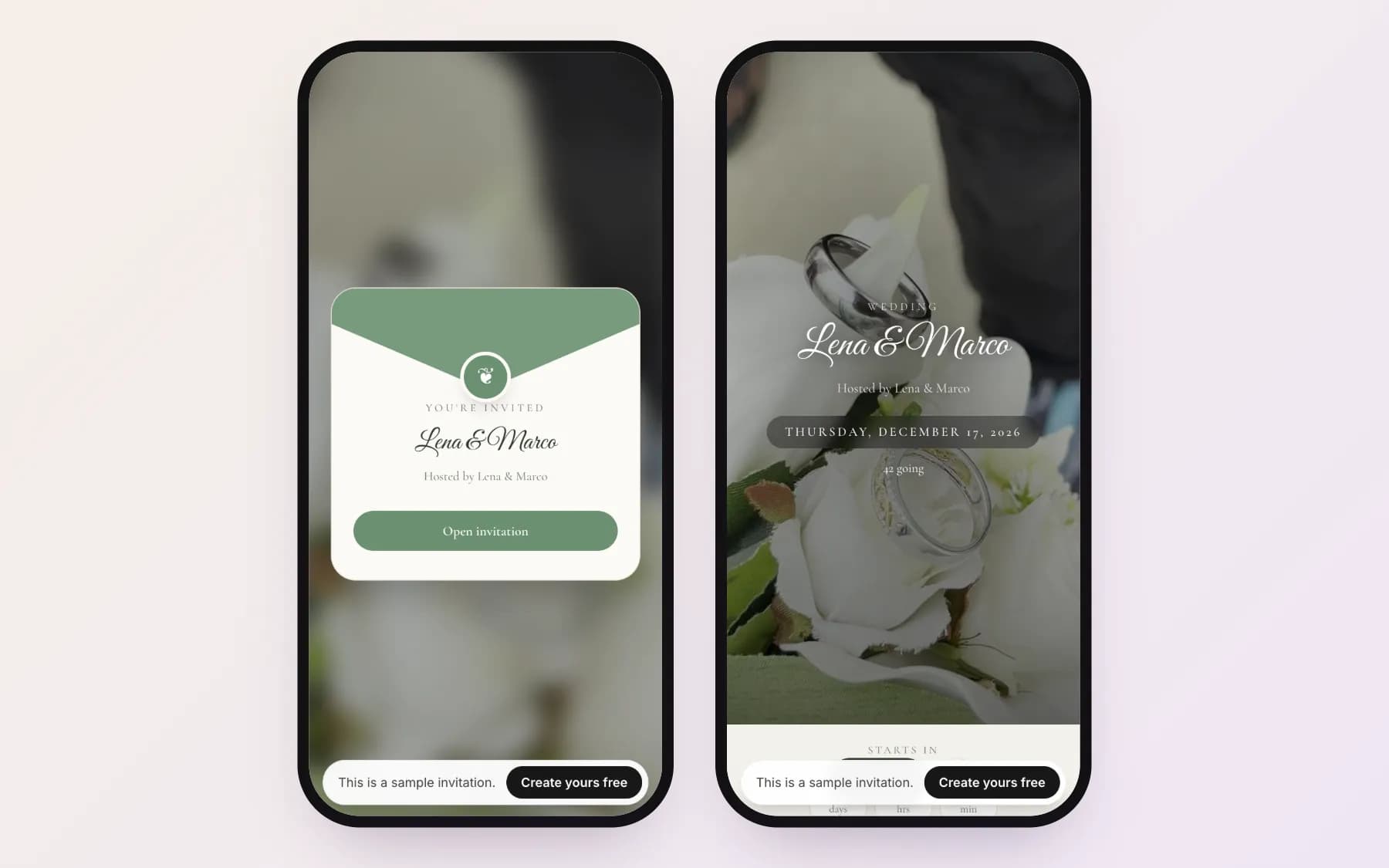
Paper Save the Dates often cost hundreds of dollars in postage and printing, only to end up under a fridge magnet or lost in the mail. A digital Save the Date arrives instantly on your guests' phones via WhatsApp, iMessage, or email.
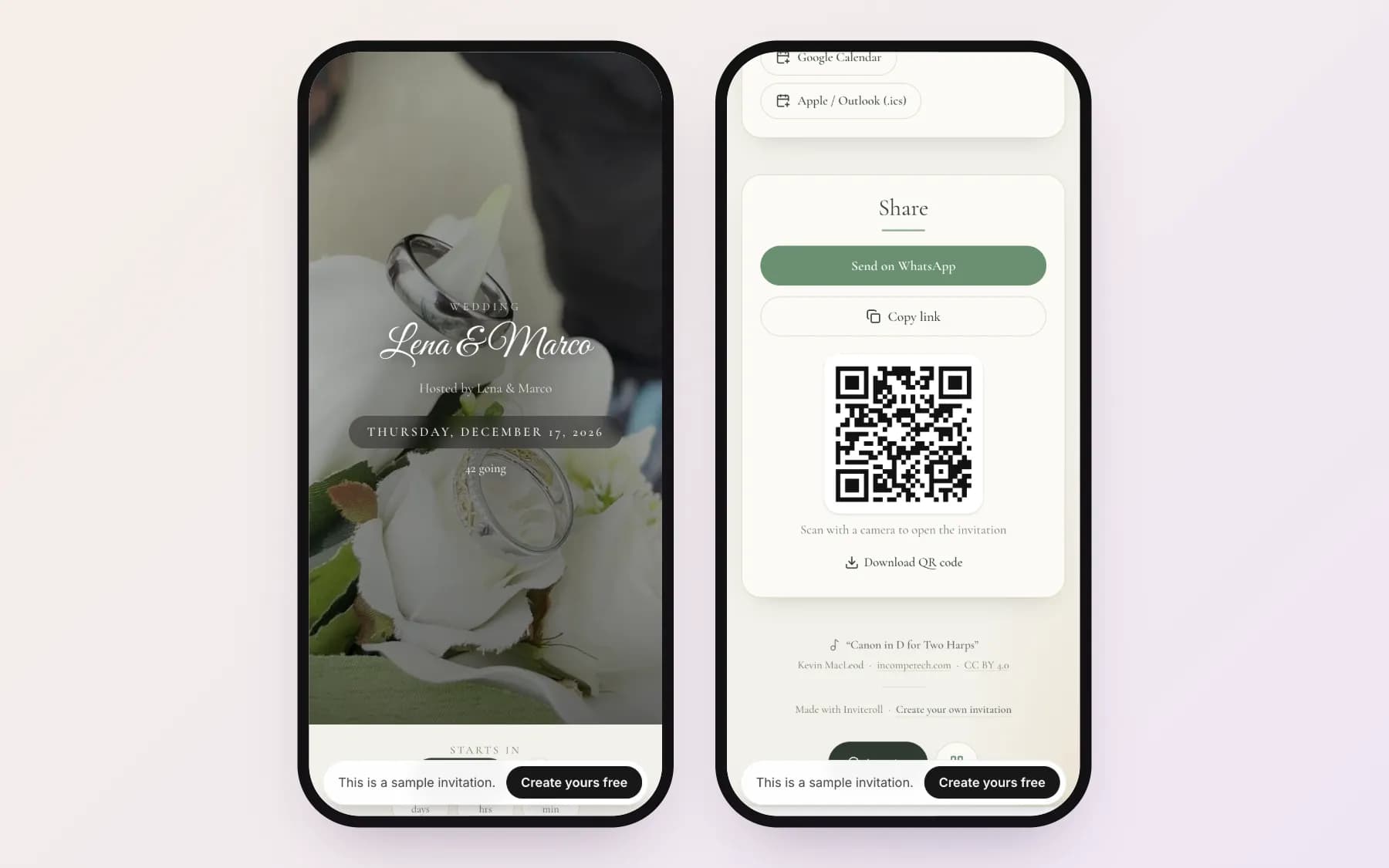
With a web-based invitation like Inviteroll, your guests can tap once to add the date directly into their Apple, Google, or Outlook calendars, view an interactive countdown, and see live updates. Later, you can upgrade the exact same link to become your full formal invitation with RSVP tracking.
| Feature | Save the Date | Formal Wedding Invitation |
|---|---|---|
| Timeline | 6–12 months prior | 6–8 weeks prior |
| Primary Purpose | Reserve the date in advance | Provide full schedule & collect RSVPs |
| RSVP Collection | Optional / preliminary headcount | Mandatory with meal & attendance choices |
| Venue Details | City / State / Country | Exact venue name, full address & map |
| Dress Code & Schedule | Usually omitted | Included (schedule, dress code, menu) |
How to create and send a digital Save the Date with Inviteroll
- 1
Create your event
Sign in to Inviteroll and create a new Wedding event with your names and preliminary date.
- 2
Select your cover and music
Choose a romantic looping video cover or upload your favorite engagement photo and background music.
- 3
Add date and city
Enter your wedding date, city, and a short message saying formal invitation and RSVP details will follow.
- 4
Import your guest list
Add your friends and family to generate individual personal links for each household.
- 5
Send via WhatsApp or copy link
Tap 'Send on WhatsApp' to share personal Save the Date cards with one tap.
Announce your wedding date with an interactive digital Save the Date
Create a beautiful mobile-friendly Save the Date with music, countdown and WhatsApp sharing in under 5 minutes.
Create your invitationFrequently asked questions
Is a Save the Date mandatory for a wedding?
While not strictly mandatory, it is highly recommended if you have out-of-town guests, a holiday wedding, or a destination ceremony so guests can budget and arrange travel.
Can I send Save the Dates on WhatsApp or email?
Yes! Digital Save the Dates are increasingly popular because they arrive instantly, save printing and postage costs, and let guests add the event to their calendar with a single tap.
Do guests reply to a Save the Date?
Typically no final RSVP is required on a Save the Date. However, digital invitations allow guests to leave an early 'Can't wait!' note or preliminary headcount if they already know their availability.
What if our exact wedding venue isn't booked yet?
You only need to list the city or general region (e.g. 'Austin, Texas' or 'Tuscany, Italy'). The exact venue address can be shared on the formal invitation later.
Can I update my Save the Date into the formal invitation later?
Yes! With Inviteroll, you can send the initial link as a Save the Date, and later turn on the RSVP form, detailed schedule, and photo wall on the exact same web address.